
Select the model you want to generate your video with.
Same orientation as the reference video. Supports up to 30s video generation.
No Watermark
Private
Free AI Baby Dance Generator – Turn Any Photo into a Baby Dance Video
Create cute, natural baby dance videos in one click — powered by Kling 2.6 Motion Control, no prompts required.
Why the Baby Dance Trend Is Taking Over Social Media
Scroll through TikTok, Instagram, Reddit, or X and you’ll constantly see waves of cute baby cool dance clips. People love them because they’re instant mood boosters: an innocent baby face paired with confident, rhythmic movement creates that funny, heart-warming contrast that works perfectly as memes, reaction posts, and short-form entertainment. These playful baby dance videos have become a new visual language online, which is why AI baby dance videos keep spreading so quickly across social platforms. Bylo.ai makes it easy to join this trend with an AI Baby Dance Generator built around motion control techniques inspired by Kling 2.6 Motion Control. Instead of relying on stiff, repetitive templates, our baby dance AI video generator focuses on smoother rhythm, more natural pose transitions, and better facial consistency. The result is an AI baby dance video that feels cute, expressive, and believable — not robotic — so it looks right at home on TikTok, Reels, and Shorts.
How to Make a Baby Dance Video Free with Bylo.ai
Upload a Baby Dance Photo
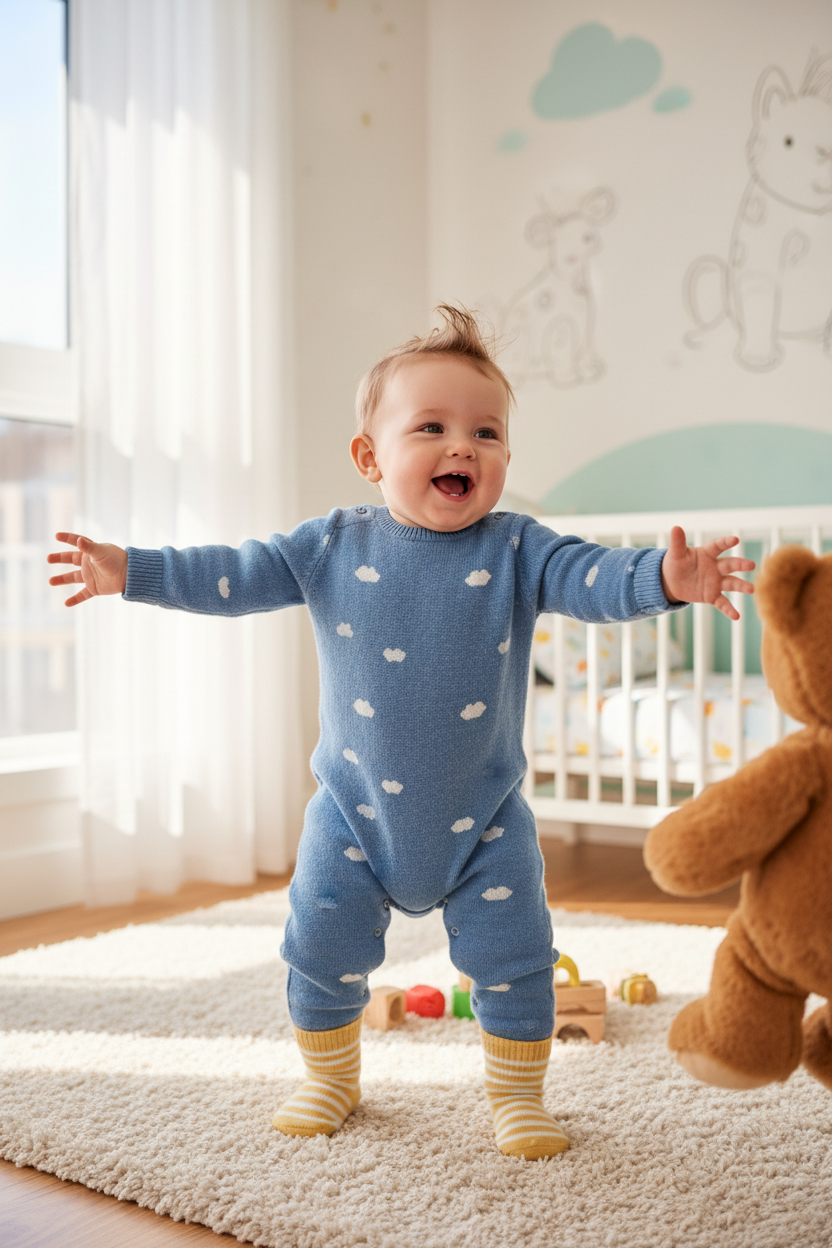
Upload a clear baby photo to get started. You can also use photos of pets or any person to create a cute baby dance effect. Front-facing images work best.
Generate Your Baby Dance Video
Click Generate to apply Bylo.ai’s built-in baby dance video automatically. You can also upload your own baby dance or dance clip to customize the motion style.
Download & Share Your Baby Dance
Preview your AI baby dance video, then download it and share easily on TikTok, Instagram Reels, or YouTube Shorts.
Key Features Of Bylo AI Baby Dance Generator
Create Baby Dance Videos Free Online with AI Baby Dance Video Generator
With Bylo.ai’s AI Baby Dance Generator, creating a joyful baby dance video feels effortless. Upload a photo, click Generate, and receive a complete AI baby dance video free online without editing tools or complicated steps. Whether for family fun or casual sharing, it’s an easy way to turn everyday photos into playful baby dance moments.
Smooth Baby Dance Motion Powered by Kling 2.6 Motion Control
Every baby dance video on Bylo.ai is generated using Kling 2.6 Motion Control, helping movement feel smoother, rhythm more natural, and facial details more stable. This reduces common issues like twisted limbs, broken faces, or blurry edges, so each cute baby dance looks clean, expressive, and believable.
Turn Any Photo into a Baby Dance Video
Bylo.ai’s baby dance AI video generator works not only with baby photos, but also with pet photos and portraits of people. Identity stays recognizable while the baby dance motion blends naturally, so every AI baby dance video still feels personal instead of looking like a distorted animation.
Cute Baby Dance Videos Designed for TikTok, Reels, and Shorts
Every cute baby dance video created on Bylo.ai is designed for real-world sharing. Videos feel natural in vertical feeds, easy to watch, and easy to post on TikTok, Instagram Reels, and YouTube Shorts, making your AI baby dance video fit right into today’s short-form content style.
One-Click Kling AI Baby Dance Video Creation with No Baby Dance Video Prompt
Bylo.ai keeps everything simple. With our AI Baby Dance Generator, users can upload a photo and click Generate to create a complete baby dance video in one smooth step. There is no complicated prompt writing, no confusing setup process, and no manual syncing required — just a faster way to get playful, rhythmic video results with built-in motion and audio. For users who want to explore more character-driven and trend-focused video ideas, Bylo.ai’s AI Fruit Love Island Video Generator also makes it easy to turn imaginative cast concepts into dramatic, social-ready villa-style content.
See What People Are Creating with Baby Dance AI Generator
Cute Baby Cool Dance Videos for Kids
A simple baby photo can become a joyful baby dance video filled with tiny expressions, gentle head bobs, and playful rhythm. The movement feels soft and natural rather than exaggerated, which makes these clips perfect for saving as family memories or sharing small happy moments with friends.
Funny Baby Dance Videos for Pets
Cats, dogs, and other pets often look surprisingly expressive with the baby dance effect. Fur texture, facial details, and personality stay recognizable, while the added motion creates light, funny moments that feel intentional instead of broken or glitchy. Many people use these clips as memes or casual social posts.
Playful Baby Dance Videos for Adults
Adult portraits can also be turned into entertaining baby dance videos. The result feels more like a playful animated avatar than a gimmick, which is why people use them for profile clips, inside jokes, reaction posts, or creative self-expression on social platforms.
Creative Baby Dance Videos Inspired by Celebrity Styles
Stylized portraits inspired by public figures, fictional characters, or recognizable aesthetics can blend smoothly with the baby dance motion. The identity stays visually consistent while the movement adds personality, making this style popular for fan edits, creative experiments, and meme-style content.(Only use images you own or have permission to use.)
Baby Dance Videos in Viral Styles like Tyla Dance
If you have a specific dance in mind, you can upload your own dance video and let the baby dance effect follow that motion. Many people use popular clips such as Tyla Dance, K-pop routines, or trending TikTok dances to recreate the same rhythm and movement on their own photos. This gives you more freedom to experiment and create baby dance videos that feel personal rather than repetitive.
How to Get Stable and Successful Baby Dance Results On Bylo.ai
Follow these helpful tips to get the most out of our platform.
Match the body framing between photo and motion video
If the reference video shows a full body, use a full-body photo. If it’s half-body, use a half-body image. Keeping proportions consistent helps the baby dance movement look more natural.
Choose motion videos with clear, steady movement
Videos with moderate speed, smooth motion, and minimal camera shake usually produce better baby dance results than fast, chaotic, or overly complex movements.
Make sure the subject is fully visible and not blocked
Faces, heads, and key body parts should be clearly visible in both the uploaded photo and the motion video. Cropped or obstructed subjects often lead to weaker animation quality.
Match the number of characters in your photo to the motion video
If the reference video contains one person, upload one subject. If the video includes multiple people, upload the same number of characters in your photo. This helps ensure each person receives the correct movement.
Avoid cuts, zooms, and strong camera movement
Continuous clips with stable framing work best. Jump cuts, heavy zooming, or large camera movements can reduce motion accuracy and make the baby dance video feel inconsistent.